Therapy Appointment Reminder Email Templates (Reduce No-Shows)
No-shows are the #1 profit killer in private practice. Often, clients don't mean to ghost you—they just forgot. A strategic reminder system is your best defense.
TL;DR
- The Rule of 3: Send confirmations immediately, a reminder 48 hours before (email), and 2 hours before (SMS).
- Clarity: Always restate the cancellation policy in the reminder.
- Ease: Make rescheduling easy before the late-cancel window closes.
- Medium: Combine Email (for details) + SMS (for nudges).
What is the Best Reminder Timing?
Timing matters more than wording. You want to remind clients before they incur a late fee.
| Timing | Channel | Purpose |
|---|---|---|
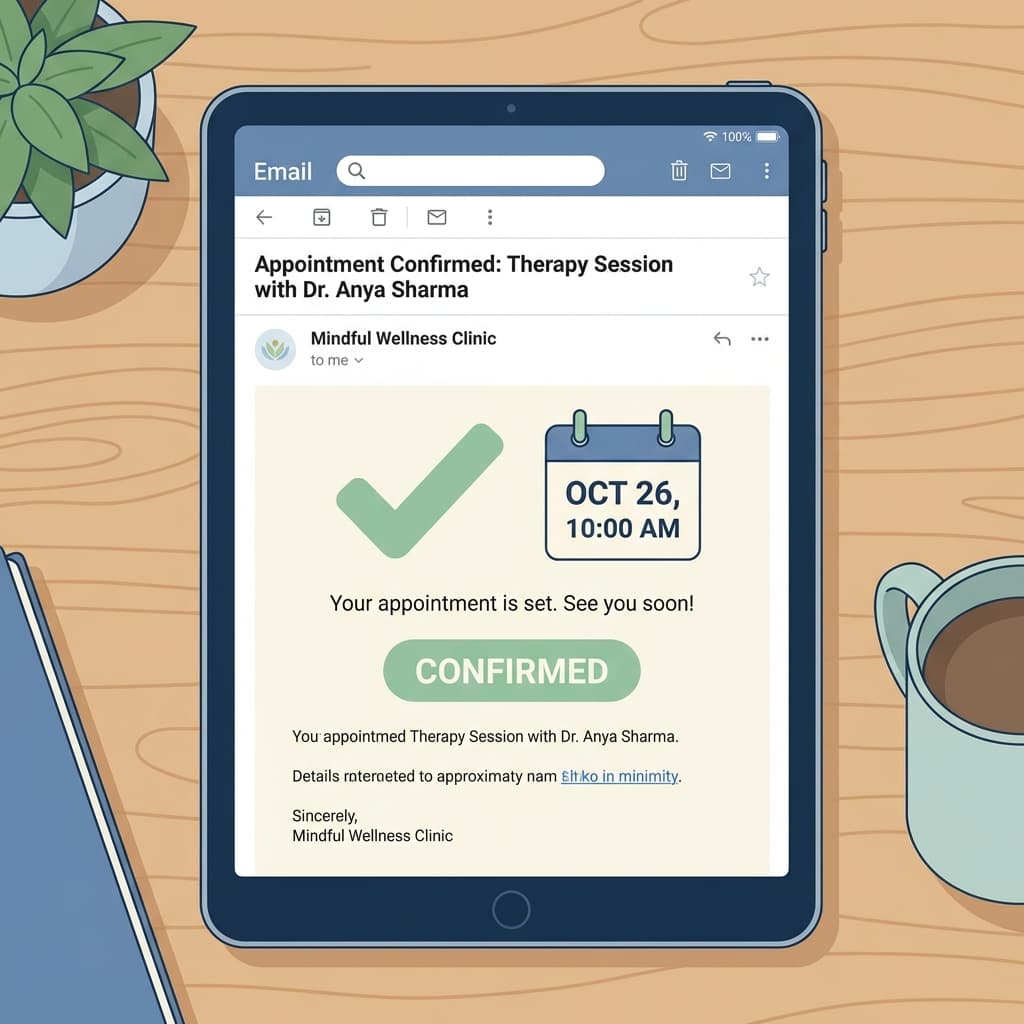
| Immediate | Confirmation + Calendar Link. | |
| 48 Hours Prior | The "Action" Reminder. Give them a chance to reschedule without penalty. | |
| 24 Hours Prior | Email/SMS | The "Lock-in". Reiterate that the cancellation window is closing/closed. |
| 2 Hours Prior | SMS | The "Nudge". purely to prevent forgetting the specific hour. |
12 Reminder Templates
1. Gentle Reminder (48 Hours Before)
Subject: Reminder: Appointment with [Name] on [Date]
Hi [Client Name],
This is a friendly reminder about your appointment on [Date] at [Time].
If you need to reschedule, please let us know by [Time cancel window ends] to avoid a cancellation fee.
[Link to Reschedule]
Looking forward to seeing you, [Your Name]
2. The "Firm" Reminder (24 Hours Before)
Subject: Appointment Reminder: [Date]
Dear [Client Name],
You are scheduled for a session tomorrow, [Date] at [Time].
Please note that our 24-hour cancellation window has now passed. Late cancellations or no-shows for this appointment will be charged the full session fee.
Location/Link: [Link]
See you tomorrow, [Your Name]
3. Intake Paperwork Nudge
Subject: Action Needed: Forms for your appointment tomorrow
Hi [Client Name],
We have your appointment scheduled for [Date] at [Time], but we are still missing your intake forms.
Please complete them by [Time] today, otherwise we may need to reschedule your session.
[Link to Forms]
Thank you, [Practice Name]
4. Telehealth Specific Nudge (1 Hour Before)
Subject: Link for our session in 1 hour
Hi [Client Name],
We'll be meeting in about an hour. Here is the link to join:
[Zoom/Video Link]
See you soon!
5. SMS: Standard (Short)
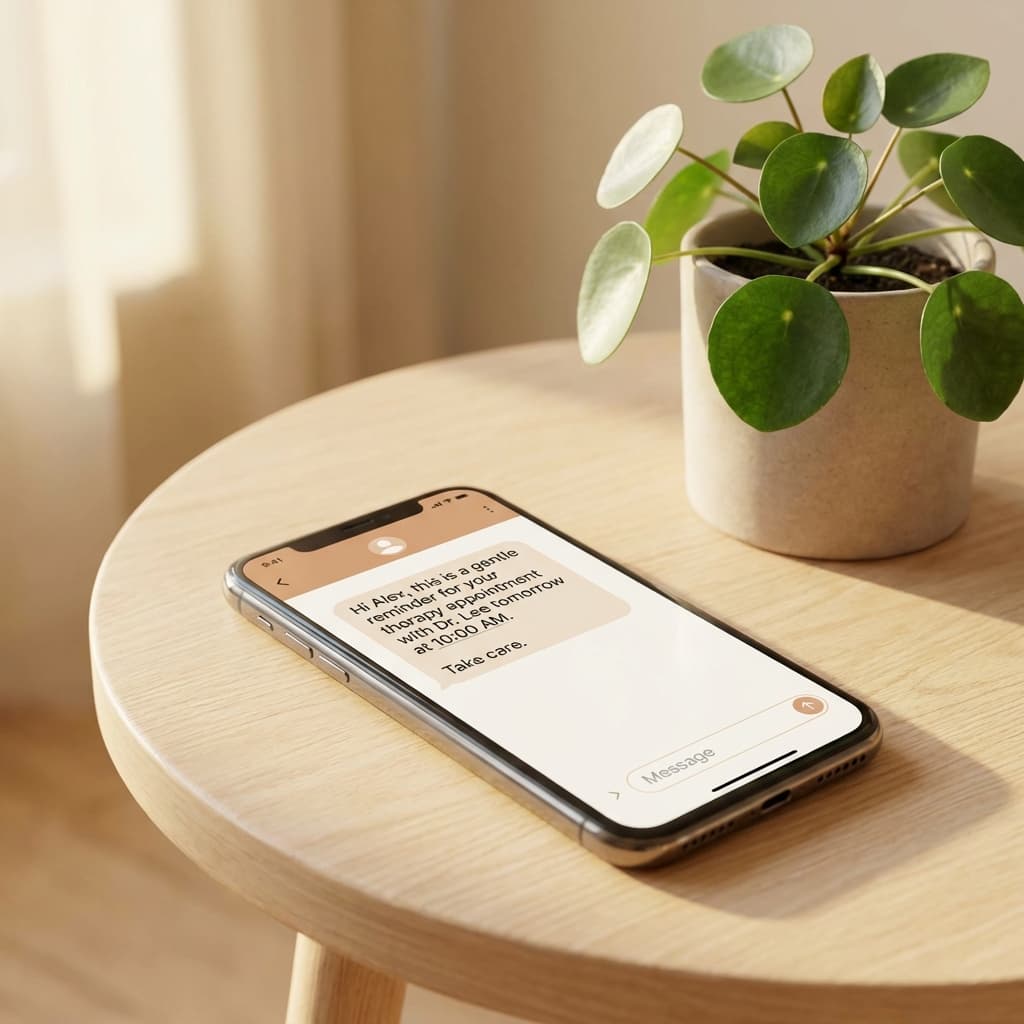
Hi [Name], reminder for your appointment with [Provider] on [Date] at [Time]. Reply STOP to opt out.
6. SMS: With Location
Reminder: Therapy session tomorrow at 2PM. Location: 123 Main St, Suite 400. Door code: 1234. See you then! - Dr. Smith
Re-booking After a Missed Session
If they ghosted you, don't just charge them—try to repair the relationship.
7. The "Missed You" Email
Subject: Missed Appointment
Hi [Client Name],
We missed you at our scheduled session today at [Time]. I hope everything is okay.
Per our policy, a no-show fee of $[Amount] has been applied to the card on file. When you are ready, please visit the link below to book your next session.
[Booking Link]
Warmly, [Your Name]
Automation Notes: Email + SMS
Manual reminders are risky. You will forget one eventually.
Modern scheduling tools like OnlyCaly allow you to set a "Workflow":
- Trigger: 24 Hours Before Start Time.
- Action: Send Email (Template 1).
- Trigger: 1 Hour Before Start Time.
- Action: Send SMS (Template 5).
This "Set and Forget" method ensures every client gets standardized communication.
Common Mistakes
- Sending too early: A reminder 1 week before is useless. People forget again.
- No "Add to Calendar" button: Your email should have .ics links so they can add it to Google/Outlook/Apple Calendar in one click.
- Vague Subject Lines: "Hello" or "Touching base" gets ignored. Use "Reminder: Appointment on [Date]".
- Apologetic Tone: Don't apologize for your cancellation policy in the reminder. State it neutrally.
FAQ
Is it annoying to send email AND text? No. In 2026, people are distracted. Multi-channel reminders are appreciated. Most clients prefer a text for the "urgent" nudge.
Do I need opt-in for SMS? Yes. You must have consent (usually obtained in the intake form or booking flow) to send SMS reminders to comply with TCPA and GDPR laws.
What if they reply to the automated email? Make sure your "Reply-To" address is your actual business email, not a "noreply@" address. You want to see if they are trying to cancel!
Automate Your Reminders OnlyCaly includes unlimited email reminders and optional SMS credits to keep your schedule full and your no-shows low.