Why You Need 'Buffer Time' Between Appointments (And How to Automate It)
TL;DR
- The Problem: Back-to-back sessions = burnout + bad clinical notes.
- The Solution: Auto-add 10-15 minute buffers after each session.
- The Tech: Use your scheduler settings (don't manually block time).
- The Payoff: Better notes, calmness, and you actual get to eat lunch.
In the "productivity" world, gaps in a schedule are seen as waste. In therapy, gaps are essential.
Trying to switch instantly from a heavy trauma session to a new intake with zero seconds in between is a recipe for clinical burnout. You need a Buffer.
What is Buffer Time?
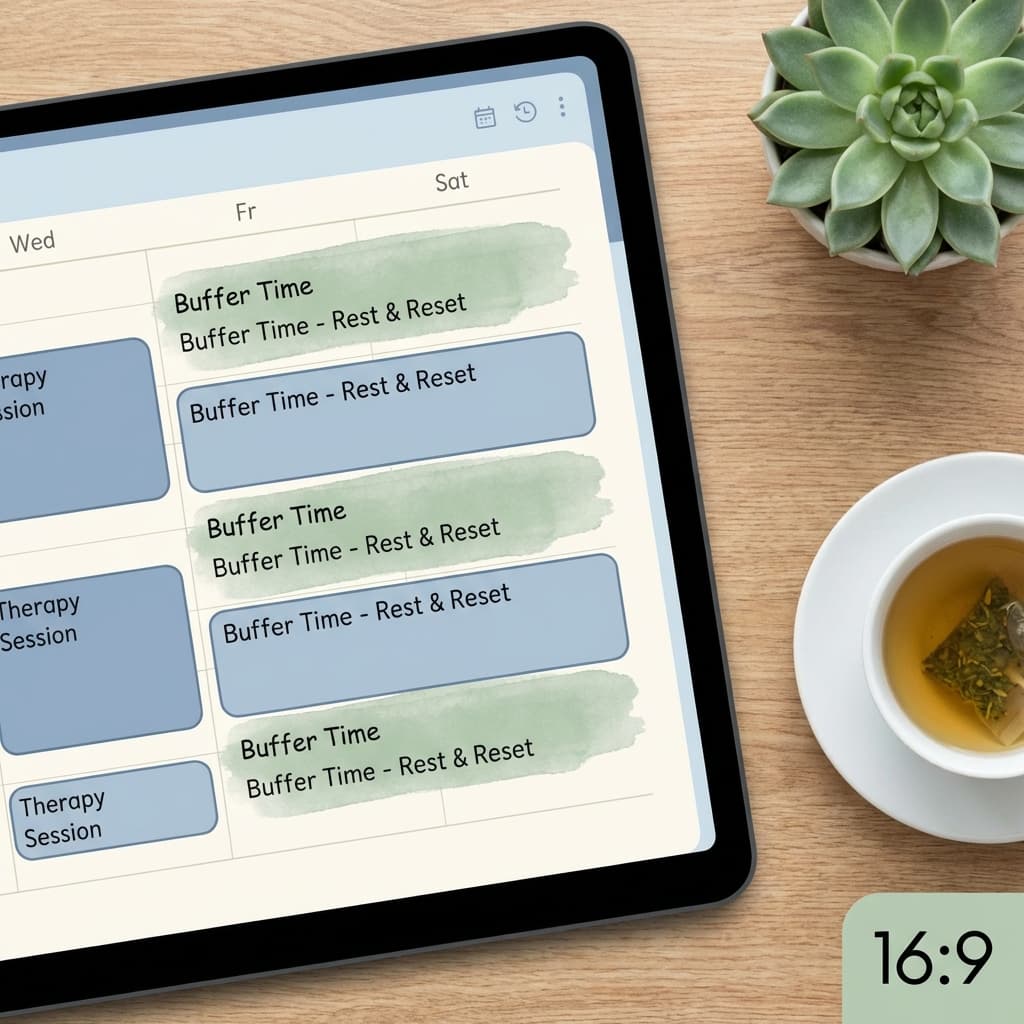
Buffer time is a setting in your scheduling software that automatically blocks off time after (or before) a booked event.
Example:
- Session: 50 minutes (10:00 - 10:50)
- Buffer: 10 minutes
- Next available slot: 11:00
Without a buffer, a 60-minute session ending at 11:00 would mean the next client starts exactly at 11:00. No bathroom break. No water. No notes.
The Benefits of a 10-15 Minute Buffer
- SOAP Notes: Write your clinical notes immediately while the session is fresh. It takes 5 minutes now vs. 20 minutes on Friday night.
- Biological Needs: Bathroom, water, stretch. Ground yourself physically.
- Run-Over Protection: If a client is in crisis and you go 5 minutes over, you aren't late for the next person.
- Mental Reset: A moment of mindfulness to "clear the mechanism" before bringing your full presence to the next human.
How to Set Buffers in OnlyCaly
You don't need to manually schedule "Break" blocks.
- Go to Services in your OnlyCaly dashboard.
- Edit your core service (e.g., "Psychotherapy 50m").
- Find "Buffer After Appointment".
- Set it to 10 minutes or 15 minutes.
Now, if someone books 2:00PM - 2:50PM, the system will secretly block 2:50PM - 3:00PM. No one can book a slot that would overlap with that recovery time.
Common Scheduling Mistakes
- The "50-Minute Hour" Trap: Booking hour-long sessions back-to-back without the 10 min break.
- Manual Buffers: Trying to "remember" to leave gaps. You will forget.
- No Lunch Block: Forgetting to hard-schedule a recurrent 12-1pm non-bookable block.
Advanced Strategy: "Recovery Blocks"
Beyond per-session buffers, consider "Recovery Blocks".
- "I never do more than 3 sessions in a row."
- Create a recurring "Lunch/Walk" event in your main calendar from 1:00 PM - 2:00 PM every day. OnlyCaly will respect this and never offer that slot.
Protect Your Energy You can't pour from an empty cup. Use OnlyCaly's automated buffer settings to build self-care directly into your workflow.