Google Meet for Therapy: Is it HIPAA Compliant? (Setup Guide)
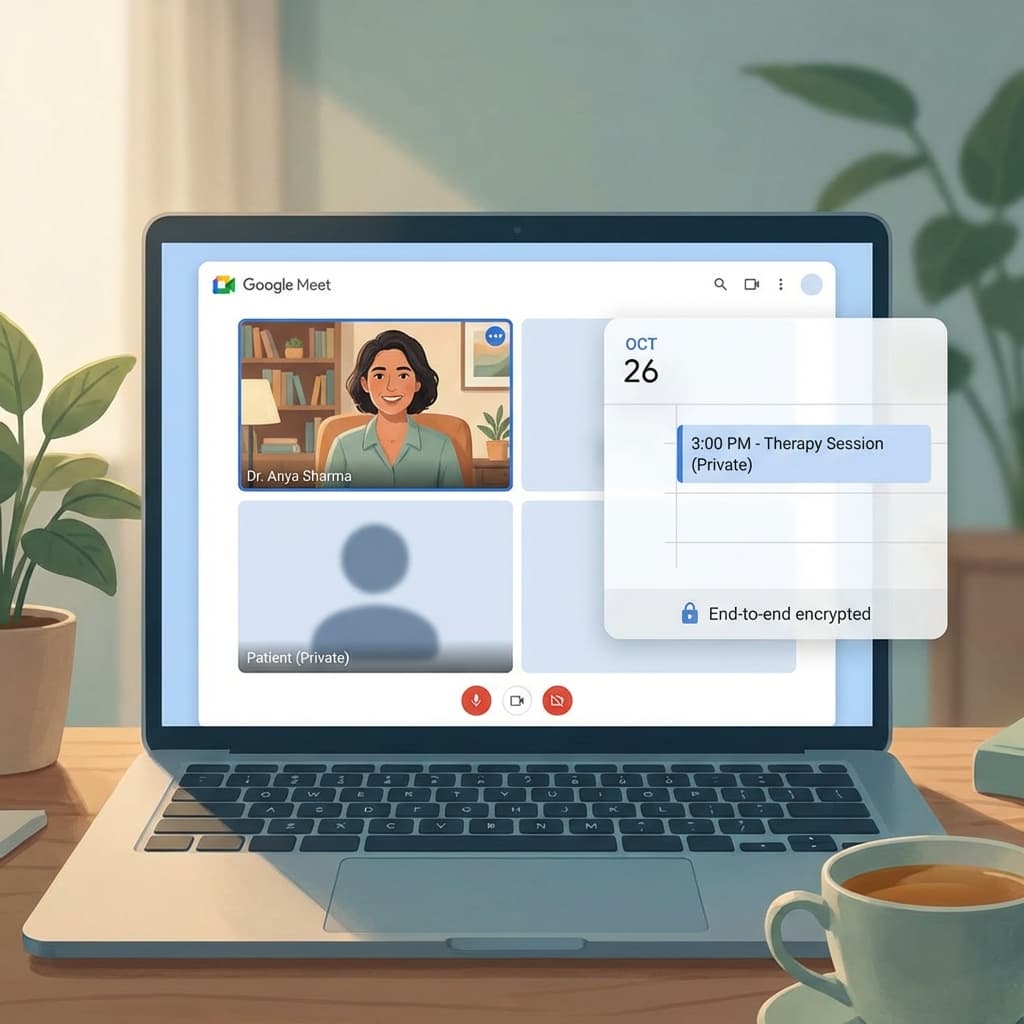
Zoom is the standard, but it costs money ($150/yr). Google Meet is included in the Workspace email you probably already pay for ($6/mo). But can you use it for therapy?
Yes. But only if you configure it correctly.
TL;DR
- HIPAA: You MUST be on a paid Google Workspace plan and sign the BAA. Free Gmail accounts are NOT HIPAA compliant.
- Link Security: Use unique links for every meeting (don't reuse one "Personal Room").
- Waiting Room: Enable "Knock to enter" so randoms can't join.
Meet vs. Zoom for Therapy
| Feature | Google Meet | Zoom |
|---|---|---|
| Cost | Free (w/ Workspace) | ~$15/mo |
| Install | None (Browser based) | App recommended |
| Stability | Good | Excellent |
| Waiting Room | "Knock" feature | Dedicated Waiting Room |
Winner: Google Meet is better for simplicity and cost. Zoom is better for large groups and connection stability on bad wifi.
Setup Steps for Compliance
1. Get Google Workspace
Sign up for a "Business Starter" plan (~$6/mo).
Do not use yourname@gmail.com. Use name@yourpractice.com.
2. Sign the BAA
Google offers a BAA covering Gmail, Calendar, Drive, and Meet.
- Go to Admin Console -> Account Settings -> Legal & Compliance.
- Review and accept the "HIPAA Business Associate Amendment".
- If you skip this step, you are not compliant.
3. Configure Meet Settings
- Access: Set to "Trusted".
- Safety: Ensure "Quick Access" is turned OFF. This forces everyone (including clients) to "Knock" before entering, preventing overlaps.
Automation: Creating Unique Links
Adding a unique Google Meet link to every calendar invite manually is widely inefficient.
Use OnlyCaly:
- Connect your Google Calendar.
- In Event Settings, select "Location: Google Meet".
- Magic: Every time a client books, OnlyCaly tells Google to generate a fresh, unique Meet URL (e.g.,
meet.google.com/abc-defg-hij). - This link is emailed to the client and added to your calendar instantly.
Privacy Checklist
- I am using a paid Workspace account.
- I have signed the BAA.
- I do not record sessions (unless explicitly consented).
- I always admit clients manually (no auto-join).
FAQ
Can I use the free version? No. Google scans free Gmail for ad data. They will not sign a BAA for free accounts.
Do clients need a Google account? No. Clients can join a Meet link from any browser (Chrome/Edge/Safari) as a "Guest" without logging in.
One-Click Meet Scheduling OnlyCaly integrates natively with Google Calendar to generate secure Meet links for every session automatically.